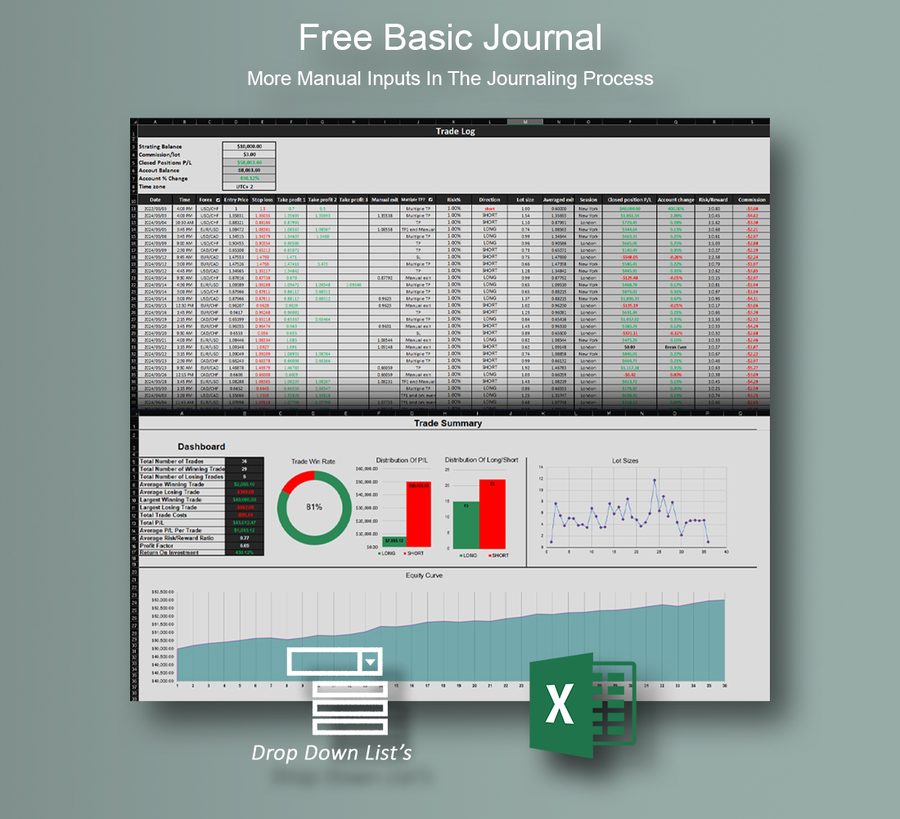
Free Basic Journal
Fewer functions, automations and statistics. A good start if you journal by hand today.
Free
DownloadApex Trading Tools · For the better
Enter the date, market, entry, stop loss and take profits. Pick the outcome from a dropdown. Direction, lot size, P/L, risk/reward and your whole dashboard are calculated for you.
One payment, no subscription · Your trades stay on your own computer · Forex, crypto, indices, metals, stocks
Fewer functions, automations and statistics. A good start if you journal by hand today.
Free
Download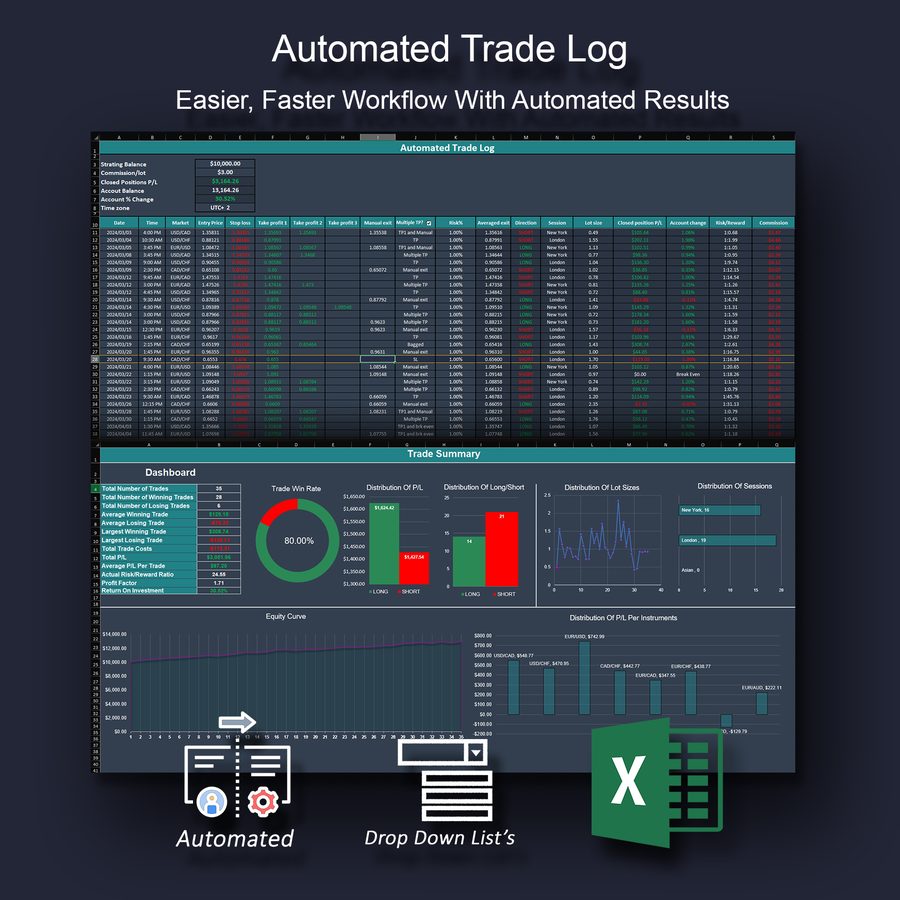
Every premium function and automation, with five rows to use. Try it before you buy.
Free
Get the free demo
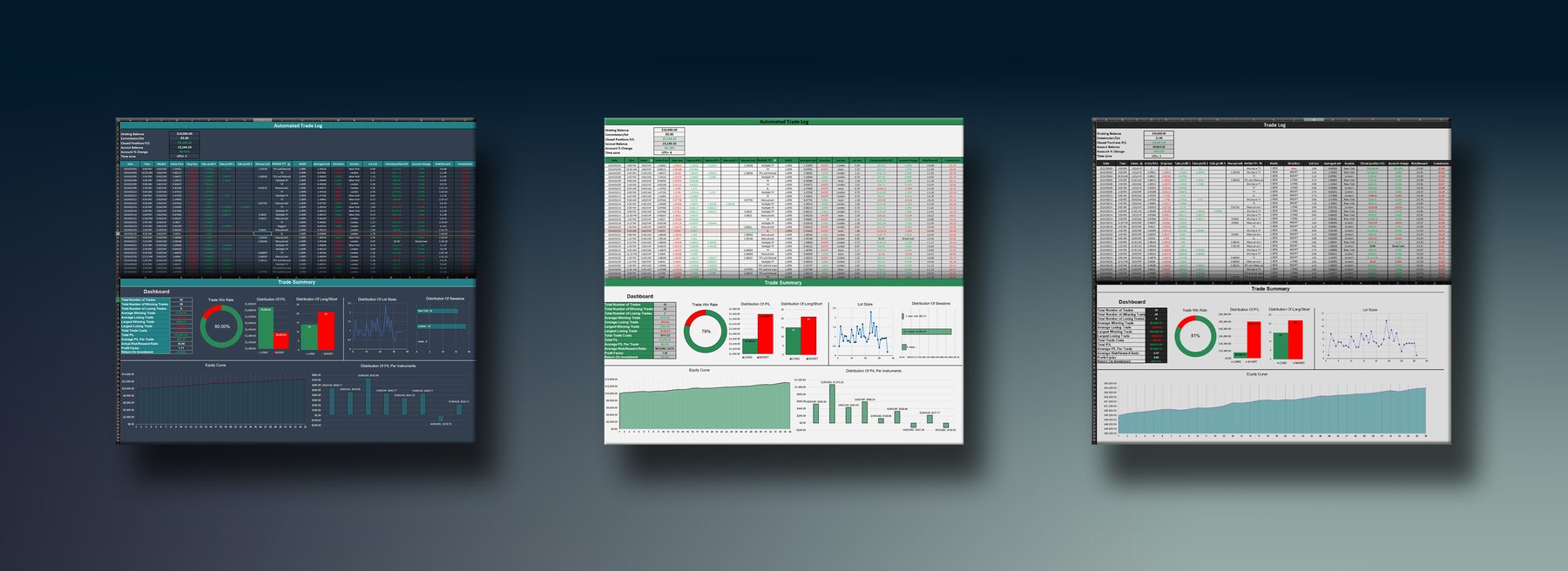
Every function and automation, up to 1000 trades. Dark and bright themes. Risk by account % or fixed lots.
Needs desktop Excel for Windows (2016, 2019, 2021 or Microsoft 365). Not for Mac, Excel Online, mobile or Google Sheets. Try the free demo first.
$20 one-off
Buy
Coming soon: News Volatility Warning for MT5 — ATR said ~12 pips, NFP moved 43. See how we test it →
| Feature | Basic | Premium |
|---|---|---|
| Custom instruments (dropdown list) | ✔ | ✔ |
| Pre-made trade outcomes (no averaged exit point needed) | ✔ | ✔ |
| Automatic direction (Long/Short) | ✘ | ✔ |
| Automatic lot size | ✘ | ✔ |
| Highlights missing data | ✘ | ✔ |
| Highlights the row you click into | ✘ | ✔ |
| P/L distribution by instrument and session | ✘ | ✔ |
| Colour themes | 1 | 2 |
| 30-day money-back guarantee | – | ✔ |
| Free updates to new versions | ✘ | ✔ |
| Price | Free | $20 |
Desktop Microsoft Excel for Windows: Excel 2016, 2019, 2021 or Microsoft 365. The journal uses one small macro (it highlights the row you are on), so it does not run in Excel for Mac, Excel Online, the mobile apps or Google Sheets. Download the free demo first: if the demo works on your computer, the full journal will too.
No. Enter entry, stop loss and take profits, pick the outcome and risk from the dropdowns; Long/Short, lot size, P/L and R:R are calculated. Instrument contract sizes and pip values are editable on the Markets sheet.
No. It is a normal Excel file on your computer. Nothing is sent anywhere.
Email patterntradersltd@gmail.com with a screenshot. Most problems are fixed by the Unblock step above. The Premium journal comes with a 30-day money-back guarantee.
We have been in the financial markets for years and know exactly the struggle of keeping up with the to-dos of trading. The Automated Trade Log is designed to make journaling easy, turning a boring, monotonous habit into something you actually keep doing.
Apex Trading Tools is made by Pattern Traders, Hungary.